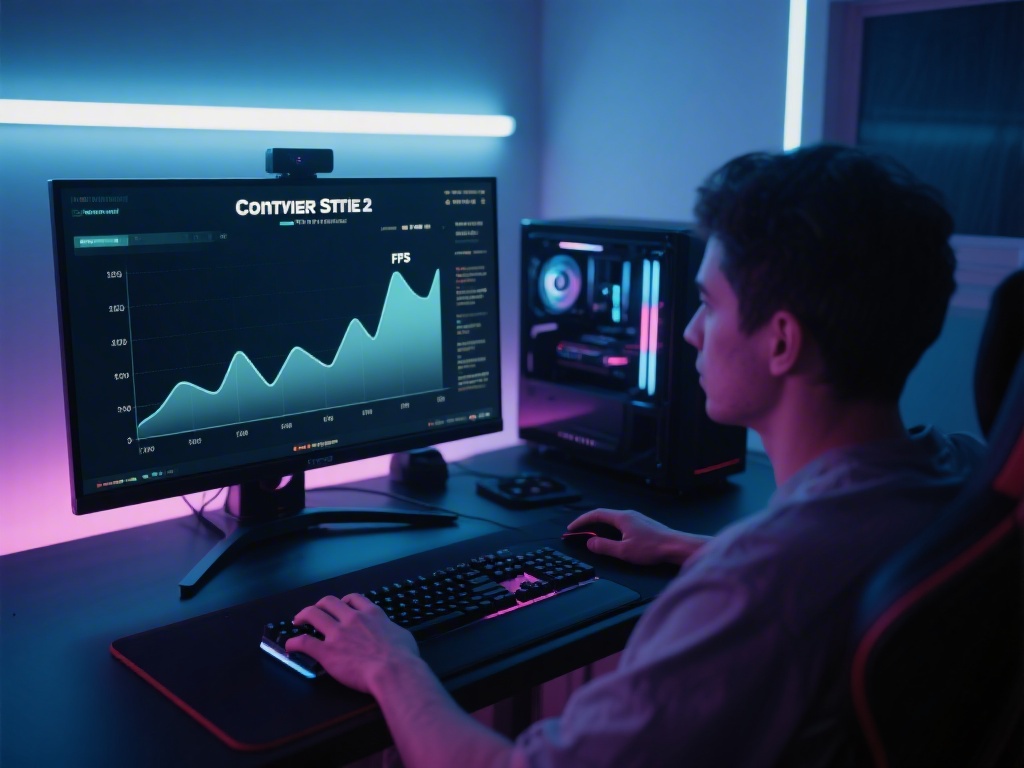
Are you a Counter Strike 2 enthusiast looking to boost your performance? One of the key metrics to keep an eye on is your Frames Per Second (FPS). Knowing your FPS can help you make better decisions during matches. In this article, we'll walk you through how to show FPS in Counter Strike 2.
Understanding FPS in Counter Strike 2
Your FPS represents the number of frames your computer can render per second. A higher FPS means smoother gameplay and better responsiveness. Counter Strike 2 is a highly competitive game, and having a good FPS is crucial for success.
How to Enable FPS Display
Other Methods to Display FPS
In addition to the built-in method, you can use third-party applications to display your FPS in Counter Strike 2. Some popular options include Fraps and MSI Afterburner.
Fraps is a lightweight application that can track your FPS and other metrics. MSI Afterburner is a more advanced tool that can also monitor your system's temperature and fan speeds.Improving Your FPS
Improving your FPS involves optimizing your PC's settings and hardware. Here are some tips:
Conclusion
Displaying your FPS in Counter Strike 2 is a straightforward process. By doing so, you can better understand your PC's performance and take steps to improve it. Whether you're looking to compete at a professional level or simply enjoy the game, knowing your FPS is essential. Follow our guide to start tracking your FPS today!