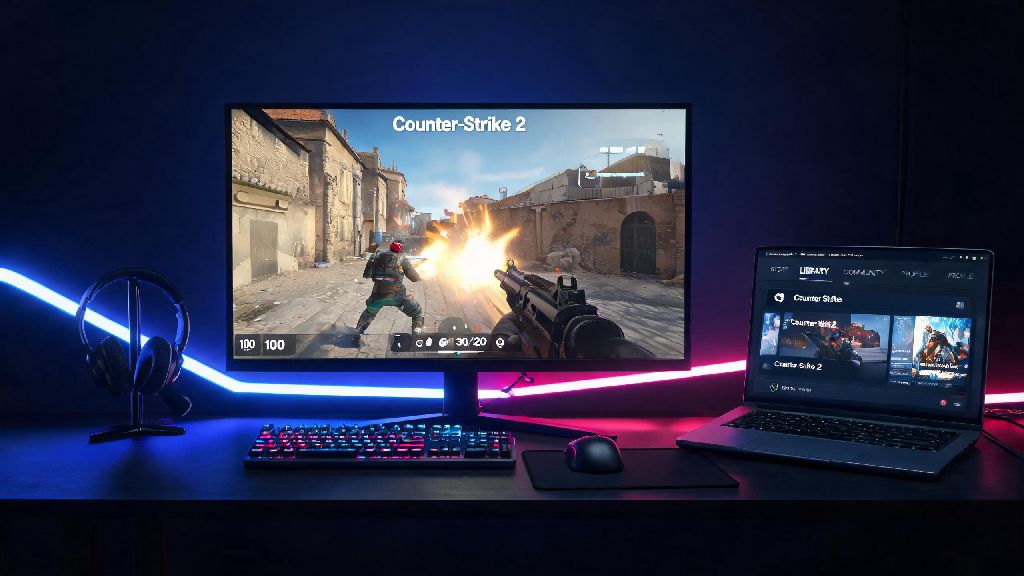
If you’ve logged onto Steam lately to see all your friends posting CS2 clip after clip, you might be wondering if you already have the game sitting in your library waiting to be played. Lots of users got automatic access when the game launched, so it’s not uncommon for it to show up without you ever intentionally downloading it. We put together this simple walkthrough for how to see if you have Counter Strike 2, plus fixes for common issues that might hide the game even if you do have access. You won’t need any technical skills to follow along, and the whole process takes less than two minutes for most people.
How to See if You Have Counter Strike 2 Installed on Steam
The fastest way to check for CS2 is to open your Steam desktop client and head to your Library tab. Use the search bar at the top left of the library to type “Counter Strike” – if Counter Strike 2 pops up as a result, you already have access to the game. If it says “Install” next to the title, it’s linked to your account but not yet downloaded to your device. If it says “Play”, it’s already installed and ready to launch.
If you previously owned Counter Strike: Global Offensive on your Steam account, you automatically have access to CS2 for free. Valve replaced all existing CS:GO installations with CS2 when the game fully launched, so you won’t see CS:GO in your library anymore unless you manually modified your install settings before the rollout. If you only see CS:GO listed, that means your Steam client is out of date, and we’ll cover how to fix that later on.
How to Check CS2 Eligibility for New Players
If you’ve never played any Counter Strike game before, you might be confused about whether you need to pay for CS2 or sign up for access. The good news is the base version of CS2 is completely free for all Steam users, no purchase or application required. To check eligibility, head to the Steam Store and search for Counter Strike 2. If the button says “Play Game” instead of “Add to Cart”, that means the game is already linked to your account and you can install it right away.
CS2’s base competitive and casual game modes are 100% free for all Steam users, no purchase required. The only paid upgrade is Prime Status, which gives you access to ranked competitive matchmaking, exclusive item drops, and reduced cheater lobbies. If you’re just looking to play casual matches with friends, you don’t need to spend any money at all to get started. I’ve had new players ask me if they need to buy an old CS:GO key to get access, and that’s never the case now that CS2 is fully released.
Common Reasons CS2 Is Missing From Your Library (And Fixes)
If you know you should have CS2 access but it’s not showing up in your library, there are a handful of simple fixes you can try before reaching out to Steam support. Most of these issues take less than five minutes to resolve, and you won’t need to delete any files or change major settings. I’ve seen every one of these issues pop up for my friends group, so I can confirm these fixes work for almost every case.
Here are the most common causes and fixes for missing CS2 access:
You don’t need to uninstall any leftover CS:GO files to access CS2, as Valve automatically converted existing installs during the 2023 launch rollout. If you see old CS:GO files in your Steam folder, leave them be – they’re already part of your CS2 installation, and deleting them will force you to re-download the entire game. That’s a big waste of time and bandwidth, especially if you have a slow internet connection.
How to Confirm Your CS2 Installation Is Fully Functional
Once you see CS2 in your library, you’ll want to make sure it’s working properly before you jump into a match with friends. Click the “Play” button and wait for any pending updates to install first – Valve releases small patches every few weeks to fix bugs and balance weapons, so you might have a small download even if you installed the game months ago. When the game launches, look for the Counter Strike 2 logo in the top left corner of the main menu to confirm you’re running the right version.
Verifying game files only takes 2 to 10 minutes depending on your storage speed, and it fixes 90% of launch errors for new CS2 players. If the game crashes on launch or won’t open at all, right click CS2 in your Steam library, select “Properties”, head to the “Installed Files” tab, and click “Verify integrity of game files”. This scan will check for corrupted or missing files and replace them automatically, no extra work needed on your end.
You can also check your in-game profile to confirm all your old progress carried over if you played CS:GO before. If you see Prime Status listed under your in-game profile, that means all your previous CS:GO progress, including ranks and skins, has been carried over to CS2. You won’t need to re-link any accounts or contact support to get your old items back, as Valve moved all existing user data over during the launch window.
At the end of the day, figuring out how to see if you have Counter Strike 2 takes less than a minute for most users, and even if you run into snags, the fixes are almost always simple. You don’t need any special technical knowledge to check for access or fix common errors, so you can get in game and play with your friends in no time. I still remember the first time I booted up CS2 after missing all the launch announcements, and I was shocked I already had it installed without even downloading anything new. If you still can’t find the game after trying all these steps, you can reach out to Steam support for further help, but that’s rarely necessary.