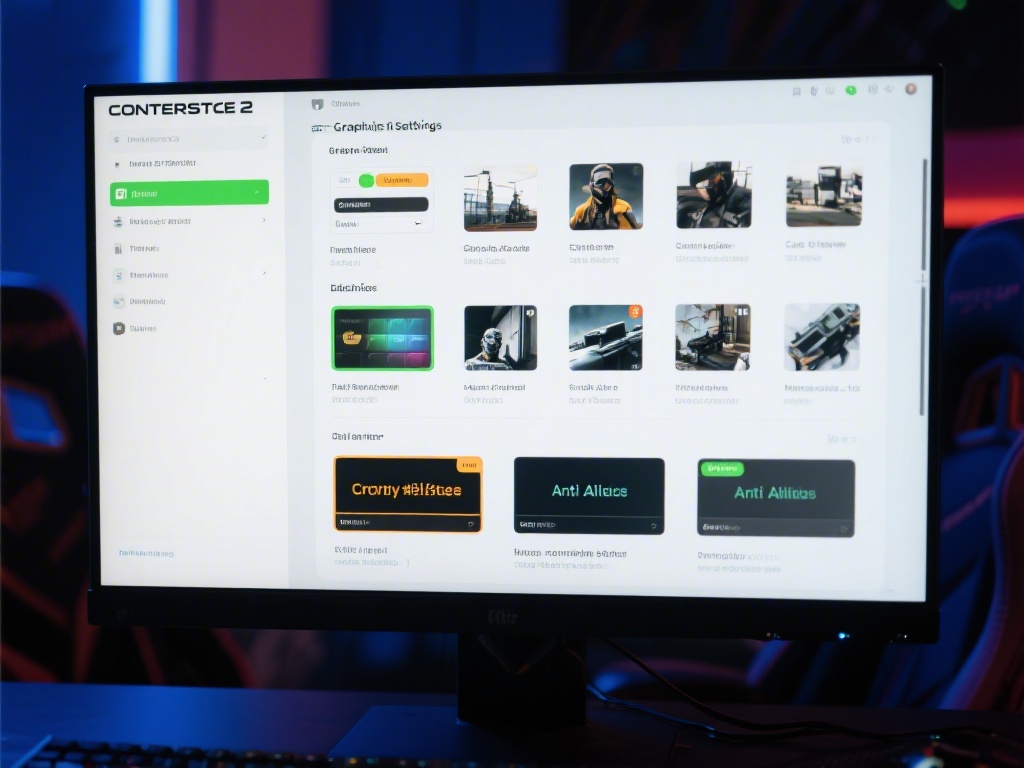
Are you struggling to get the best performance out of Counter-Strike 2? One of the key factors in enhancing your gaming experience is optimizing the graphics settings. In this comprehensive guide, we'll walk you through how to tweak the graphics settings of Counter-Strike 2 to ensure you're getting the most out of your game. Whether you're a casual gamer or a pro, these tips will help you achieve the perfect balance between visual quality and smooth gameplay.
Understanding the Graphics Settings
Before diving into the specifics, it's important to understand the different graphics settings available in Counter-Strike 2. These settings include resolution, texture quality, shadows, anti-aliasing, and more. Each setting has a direct impact on the game's performance and visual appearance.
Resolution
Your screen's resolution is the first setting to consider. Higher resolutions offer better visual quality but can significantly impact performance. Experiment with different resolutions to find the sweet spot that offers the best balance between quality and frame rate.
Texture Quality
Textures are the building blocks of a game's environment. Increasing texture quality can greatly enhance the visual appeal of Counter-Strike 2, but it may also reduce performance. Adjust this setting according to your preference and system capabilities.
Shadows and Reflections
Shadows and reflections add depth to the game world, but they can be computationally expensive. Lowering these settings can help maintain a high frame rate without sacrificing too much visual quality.
Anti-Aliasing
Anti-aliasing smooths out jagged edges, making the game look more polished. However, it can also impact performance. Choose an anti-aliasing setting that your hardware can handle without causing frame drops.
Other Settings to Consider
In addition to the main graphics settings, there are several other options to consider. These include the rendering method, which affects how the game is displayed on your screen, and the level of detail, which determines how much detail is rendered in the game world.
Conclusion
Optimizing the graphics settings in Counter-Strike 2 is a balancing act between visual quality and performance. By following the tips outlined in this guide, you can find the perfect settings for your system, ensuring a smooth and enjoyable gaming experience. Remember, the best settings may vary depending on your hardware, so it's important to experiment and find what works best for you.