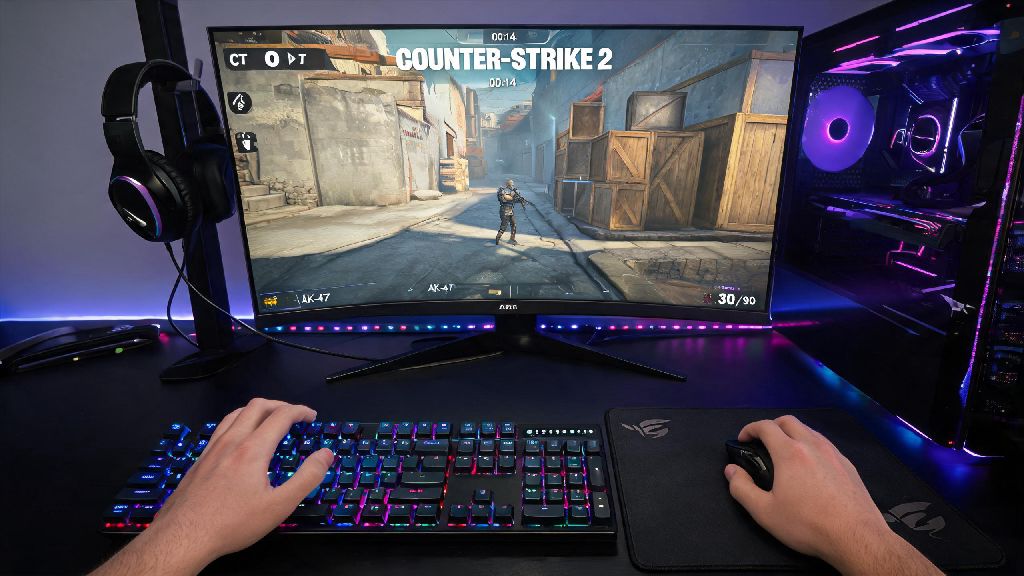
If you’ve spent any time scrolling gaming clips or hearing friends rave about competitive FPS matches, you’ve probably wondered how to try Counter Strike 2 for yourself. As someone who’s played the CS franchise for over 8 years, I can tell you it’s one of the most accessible, rewarding competitive shooters out there – if you know where to start. A lot of new players get intimidated by the game’s reputation for tough competitive lobbies, but there are tons of low-pressure ways to test the waters before you jump into ranked play. This guide breaks down everything you need to know to launch your first CS2 session without frustration.
How to Try Counter Strike 2: Step-by-Step Setup and Installation
The first thing you’ll need to get started is a valid Steam account, since CS2 is exclusive to the Steam platform. If you don’t already have one, signing up takes less than 5 minutes, and you won’t have to pay any fees to create an account. Once you’re logged into Steam, search for Counter Strike 2 in the store, and click the download button to add it to your library.
CS2 is completely free to download and play, no upfront purchase required, so you don’t have to spend any money to test the game out. The initial download is roughly 15 GB, so make sure you have enough free space on your hard drive before you start the process. Most mid-range PCs built in the last 5 years can run CS2 smoothly even on medium settings, so you don’t need a high-end gaming rig to play.
Before you launch the game for the first time, make sure you have two-factor authentication enabled on your Steam account. This isn’t required to play casual modes, but you will need it if you ever decide to try ranked matchmaking later on, and setting it up early saves you the hassle of doing it mid-session. Once the download finishes, click play, and you’ll be dropped into the main menu in seconds.
Best Modes to Play Your First CS2 Session
The biggest mistake new players make is jumping straight into competitive 5v5 matches as soon as they launch the game. Competitive lobbies have strict penalties for leaving, and most players in those matches already have hundreds of hours of experience, so you’ll almost certainly feel overwhelmed. Instead, stick to these beginner-friendly modes for your first few sessions:
I always recommend new players spend at least 2 hours in deathmatch first to get used to CS2’s unique gun mechanics. Unlike other popular shooters like Call of Duty or Fortnite, CS2 weapons have significant recoil that takes time to get used to, and deathmatch lets you practice without any stakes. You won’t get banned or penalized for leaving casual or deathmatch lobbies early, so feel free to quit if you’re feeling overwhelmed or want to try a different mode.
Core Gameplay Rules You Need to Know Before Joining a Lobby
CS2’s basic loop is pretty simple to pick up, even if you’ve never played a CS game before. Every match splits players into two teams: Terrorists (T) and Counter-Terrorists (CT). The Terrorists’ goal is to plant a bomb at one of two designated sites on the map, or eliminate all CT players before the round ends. The Counter-Terrorists’ goal is to defuse the bomb if it’s planted, eliminate all Terrorist players, or run out the round clock before the bomb is planted.
Each round lasts 1 minute and 55 seconds, and you earn in-game money for every kill, objective completion, or round win. You can spend this money at the start of each new round on weapons, armor, grenades, and other utility. Always buy armor and a helmet first before spending money on fancy weapons, that’s the most common beginner mistake I see. A player with a basic pistol and full armor will almost always beat a player with an expensive rifle and no armor in a fair fight.
Friendly fire is enabled in most public lobbies, so be careful not to shoot your teammates on purpose. If you get too many team kills or reports for toxic behavior, you can get temporarily kicked from lobbies or even get a cooldown that stops you from playing for a few hours. You don’t have to use voice chat when you first start, either – the in-game ping system lets you mark enemies, bomb sites, and items for your team without talking.
Beginner Tips to Make Your First CS2 Experience Less Frustrating
Don’t waste time copying pro player settings when you first launch the game. Pro players have spent thousands of hours refining their sensitivity, keybinds, and graphics settings to fit their playstyle, and those settings almost never work for new players. Start with the default controls, and adjust them slowly as you figure out what feels comfortable for you. For example, if you find your mouse is too fast to aim accurately, turn down the sensitivity setting by 10% at a time until it feels right.
Use the in-game tutorial first before joining any public lobbies. It only takes 10 minutes to complete, and it walks you through all the basic movement, shooting, and utility mechanics you need to know. A lot of new players skip the tutorial entirely, then get confused when they don’t know how to plant the bomb or buy armor mid-round.
Don’t worry about buying skins or cosmetic items when you first start, either. All skins in CS2 are purely cosmetic, and they don’t give you any gameplay advantage at all. You can earn random skins for free just by playing matches, so there’s no reason to spend real money on them until you’re sure you love the game. It’s also completely normal to lose your first 10+ matches. I went 2-18 in my first ever casual CS:GO match back in 2016, and now I’m ranked Legendary Eagle, so don’t let bad early performances discourage you.
At the end of the day, learning how to try Counter Strike 2 doesn't have to be complicated, even if you've never played a competitive FPS before. The best thing you can do is jump in, mess around in low-pressure modes, and not take your first few matches too seriously. Over time, you'll pick up on mechanics, map layouts, and strategies that make every win feel that much more rewarding. If you end up loving the game, you can slowly work your way up to ranked play, join community servers, or even try your hand at custom game modes for a change of pace. There's a reason CS has remained one of the most popular shooters in the world for decades, and once you get the hang of it, you'll see why too.