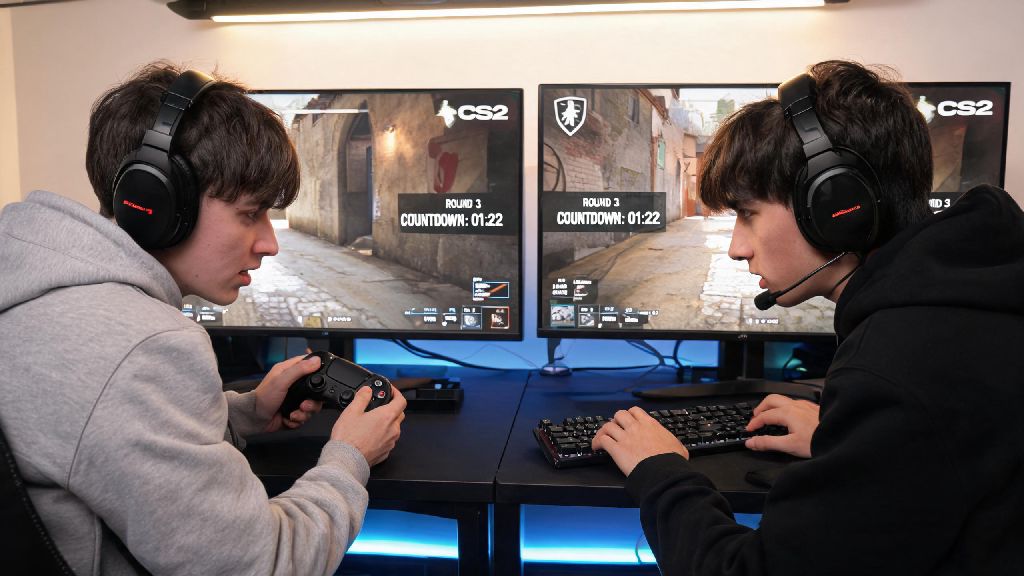
There’s nothing better than grabbing a friend and hopping into a round of Counter Strike, no random queued teammates to ruin your strategy, no toxic randoms yelling over voice chat, just you and someone you actually want to play with. If you’ve been digging through settings trying to figure out how to play 2 player in Counter Strike, you’re not alone—Valve doesn’t exactly make the process obvious for new players, especially if you’re trying to play locally instead of through public matchmaking. This guide breaks down every possible method, fixes for common bugs, and tips to make your 2 player sessions as smooth as possible, no advanced tech knowledge required.
How to Play 2 Player in Counter Strike via Private Online Lobby
This is the easiest and most popular method for playing with a friend who isn’t in the same physical space as you, and it works for all modern versions of the game including CS2. To get started, open Counter Strike and navigate to the Play menu, then select Private Match from the list of game options. Choose your preferred game mode, map, and adjust base settings like round length and friendly fire before creating the lobby. Make sure both you and your friend are running the same game version otherwise you won’t be able to join each other’s lobbies, so check for pending Steam updates before you start. Once your lobby is live, you can invite your friend directly through your Steam friends list, or share the unique lobby code generated for your match. You can also adjust lobby privacy settings to prevent random players from joining, even if someone stumbles on your lobby code. If you want to play against each other, split your team slots to 1v1, or fill the remaining slots with bots of your chosen difficulty if you want to team up against AI opponents.
Setting Up Local 2 Player Counter Strike for In-Person Play
If you and your friend are in the same house or at a LAN party, you have two options for local 2 player play: LAN lobbies on separate devices, or splitscreen play on a single PC. For LAN lobbies, create a private match as you would for online play, then toggle the LAN access setting on in your lobby options. Your friend can find your lobby by navigating to the Community Servers tab and filtering results to only show LAN servers, no internet connection required if you’re on the same local network. For splitscreen play on one PC, you’ll first need to enable the developer console in your game settings, then input the splitscreen launch command to activate the mode. Splitscreen play requires at least one controller, as you can’t use two keyboards on the same PC for separate inputs in most versions of Counter Strike. Keep in mind that splitscreen is only supported for casual game modes right now, so you won’t be able to earn ranked progress or play competitive matches in this format. It’s a great option for casual play if you don’t have two separate PCs available, but the smaller screen real estate can make it harder to spot enemies from far away.
Fixes for Common 2 Player Counter Strike Connection Issues
Even if you follow all the steps correctly, you might run into connection issues every now and then, most of which have simple, quick fixes. The majority of problems come from temporary Steam cache errors or misconfigured settings, so you usually won’t need to do any complicated troubleshooting to get back to playing.
Fun 2 Player Counter Strike Game Modes to Try
Once you’ve got your 2 player lobby set up, you don’t have to stick to standard casual or competitive modes to have fun. There are dozens of custom game modes and map options that are perfect for 2 player play, whether you want to compete against each other or team up for co-op challenges. 1v1 deathmatch is the most popular 2 player mode, and it’s a great way to practice your aim and movement without the pressure of ranked play. You can find thousands of custom 1v1 maps made by the community, all designed to be fair and balanced for two players. Custom 1v1 maps are some of the most popular user-created content for Counter Strike, with options ranging from small, close-quarters arenas to larger maps with long sightlines for sniper practice. If you don’t want to play against each other, try co-op mission mode, where you and your friend team up to complete objectives like defusing bombs, rescuing hostages, or taking down waves of increasingly difficult bots. You can also adjust silly custom settings like infinite ammo, low gravity, or no recoil for casual, laugh-heavy matches when you don’t feel like playing seriously.
At the end of the day, figuring out how to play 2 player in Counter Strike doesn’t have to be a frustrating process, no matter if you’re playing online with a friend across the country or locally in the same room. The best method for you will depend on your setup and what kind of matches you want to play, but all the steps we’ve covered work for both CS2 and older versions of the game. Don’t be afraid to mess around with custom settings and game modes to find what’s most fun for you and your play partner. A lot of the best Counter Strike memories don’t come from ranked matches, but from casual 2 player sessions where you’re just messing around and laughing between rounds.