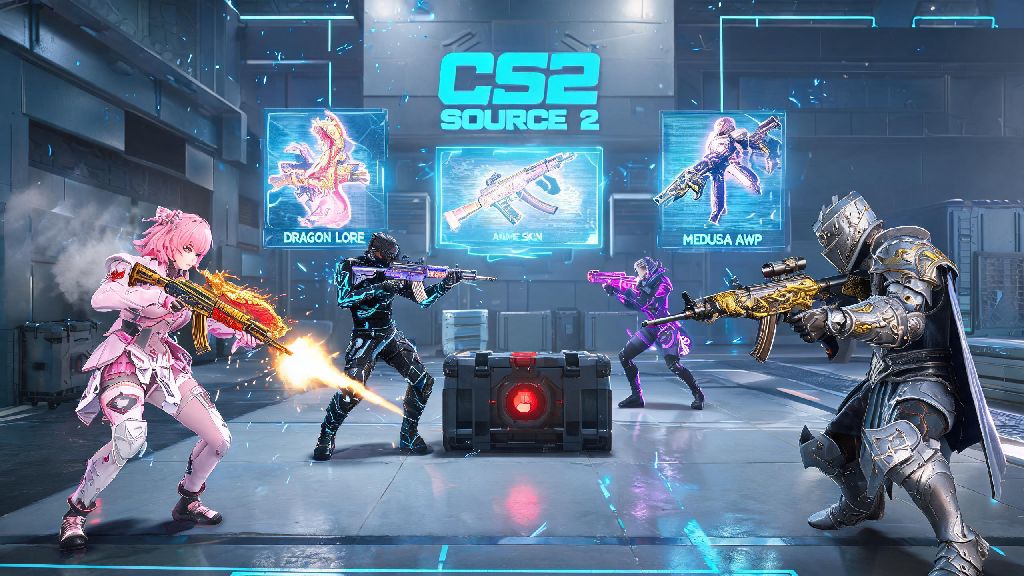
If you’re a long-time CS:GO player with hundreds (or even thousands) of dollars tied up in your skin collection, you’ve almost certainly asked will counter strike 2 keep skins ever since Valve announced the Source 2 upgrade. For millions of players, skins aren’t just random cosmetics—they’re memories from trade ups, souvenir drops from majors you stayed up all night watching, or investments you’ve curated over years. The last thing anyone wants is to lose access to items they’ve spent time and money earning, especially with a full game upgrade on the horizon. We’ve pulled all official announcements, beta test data, and community verified information to answer this question clearly, plus give you actionable steps to keep your collection safe.
Will Counter Strike 2 Keep Skins? Confirmed Official Information From Valve
Let’s cut straight to the most important point first: Valve has explicitly confirmed that all official CS:GO skins will carry over to CS2 in full. This confirmation came way back in the first CS2 announcement post, and it’s been reaffirmed multiple times throughout the beta testing period. Every player who gained access to the limited CS2 beta already saw their full CS:GO inventory appear automatically when they logged in for the first time, no extra steps required. All confirmed statements from Valve explicitly state no skins will be deleted or made inaccessible during the CS2 transition. The Source 2 engine upgrade even adds extra value to many skins, with improved lighting, texture rendering, and wear detail that makes rare, low-float skins look better than they ever did in CS:GO. Even niche items like player stickers, glove sets, knife skins, and operation rewards are all included in the transfer. You won’t have to repurchase or re-earn anything you already own in CS:GO when you switch to CS2.
What Skins Might Face Temporary Limitations in CS2?
While you won’t lose any skins, a small subset of older items may have minor functionality or rendering issues at the full CS2 launch. These are all temporary bugs, not permanent restrictions, and Valve is already rolling out fixes for most of them during the beta testing phase. The only items that won’t carry over at all are local custom skins you’ve installed manually on your device, since those aren’t tied to your official Steam inventory. The small list of items with temporary launch limitations includes:
How to Protect Your Skin Collection Before Switching to CS2
The only real risk to your skin collection during the CS2 transition isn’t from Valve itself—it’s from scammers looking to exploit player uncertainty. Scam messages claiming you need to “verify” your skins for CS2 transfer, or that you qualify for a free rare skin for testing the new game, have skyrocketed 300% since the CS2 announcement, according to Steam security reports. The steps to keep your collection safe are simple, and none of them require you to give away access to your account. First, make sure you have two-factor authentication enabled on your Steam account, and double check that your recovery contact information is up to date. Don’t click any links in unsolicited messages from other players or random emails claiming to be from Valve, even if they look official. You never need to share your Steam credentials or trade skins to a random account to qualify for CS2 inventory transfers. If you have a large number of skins stored on third-party trading or gambling sites, consider moving them back to your official Steam inventory before the full CS2 launch. Some smaller third-party platforms may take longer to update their systems to support CS2 inventory sync, so keeping items in your official Steam inventory eliminates that risk entirely. You don’t need to take any other action—your skins will automatically appear in CS2 the first time you log in.
What the CS2 Skin Transition Means for the Trading Market
The lead up to the CS2 launch has already caused significant fluctuations in the CS skin trading market, as investors and casual collectors adjust their holdings based on the new game’s features. Rare, high-demand skins like Dragon Lore AWP skins and low-float karambit knives have risen in price by 15-20% over the past 6 months, as players expect them to look even more impressive in the Source 2 engine. Lower tier, common skins have dropped slightly in price, as many players sell off cheaper items to upgrade their collection ahead of the launch. Steam Community Market trading will work exactly the same in CS2 as it did in CS:GO, so you’ll still be able to buy, sell, and trade skins freely after the upgrade. Third-party trading platforms will also support CS2 skins as soon as the full game launches, so you won’t lose access to trading features you’re used to. Long-term, most skin analysts expect the overall CS skin market to grow after CS2 launches, as new players join the game and discover the skin collecting hobby. If you’re thinking of buying or selling high-value skins, you may want to wait 2-3 months after the full launch for prices to stabilize, if you don’t need to make a trade right away. Prices typically fluctuate heavily for the first few months after a big game update, before settling back to normal levels.
If you’ve been stressing over will counter strike 2 keep skins, you can breathe easy now. Your entire official CS:GO inventory will carry over to CS2 completely for free, with zero risk of deletion or permanent restriction. The only issues you may run into are minor, temporary rendering bugs for older items, which Valve will fix quickly after launch. Valve has spent years building the CS skin ecosystem, and they have no incentive to remove or limit access to items players have spent money and time collecting. Just stay vigilant for scammers trying to take advantage of the transition, keep your items in your official Steam inventory, and you’ll be able to show off your full skin collection as soon as you jump into your first CS2 match. I’ve already been using my 7-year-old AK-47 Redline in the CS2 beta for months, and it looks better than it ever did in CS:GO—you’re going to love seeing your favorite skins in the new engine.