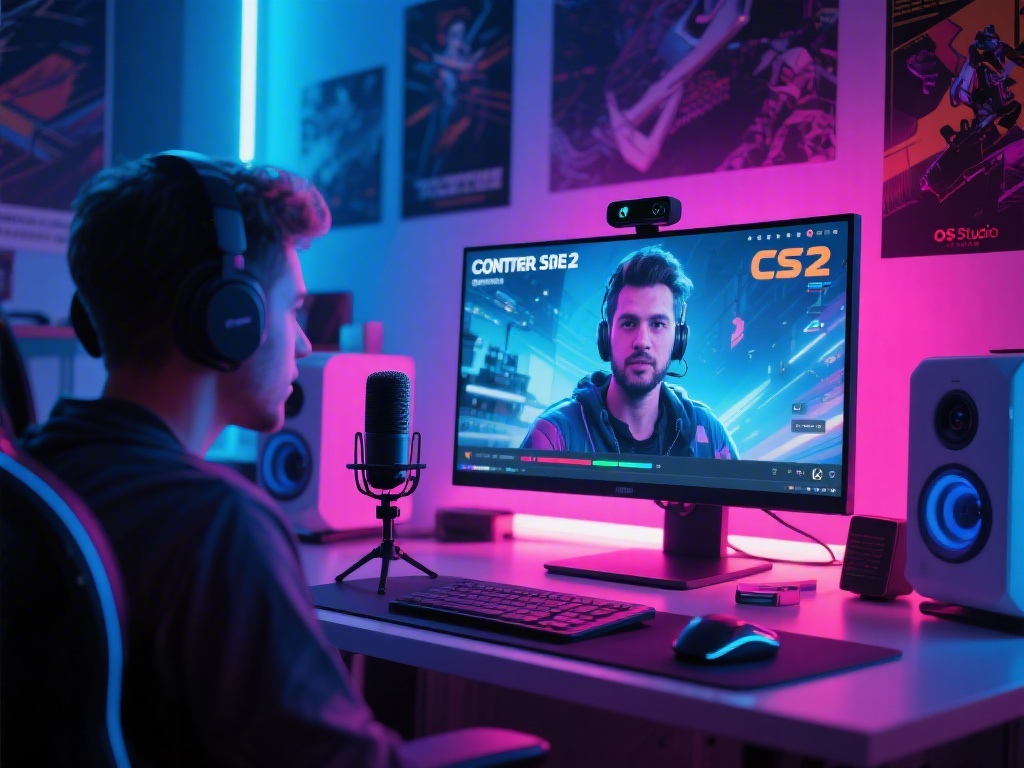
Introduction to Streaming Counter Strike 2 on OBS
Streaming Counter Strike 2 (CS2) on OBS is a fantastic way to share your gaming experiences with others. Whether you're a seasoned pro or a beginner, this guide will help you set up and optimize your OBS streaming for the ultimate gaming experience.
1. Install and Set Up OBS Studio
First, download and install OBS Studio from the official website. Once installed, launch the application and set up your sources to capture your gameplay. This includes your webcam, microphone, and game window.
2. Optimize Game Settings for Streaming
Adjusting your game settings is crucial for a smooth streaming experience. Here are some recommendations:
3. Configure OBS for Maximum Performance
Optimizing OBS settings will enhance your streaming quality and performance:
4. Customize Your Streaming Layout
Cool and engaging layouts can keep your viewers entertained. Here's how to customize your OBS scene:
5. Monitor Your Streaming Performance
Regularly check your streaming performance to ensure everything is running smoothly:
Conclusion
Streaming Counter Strike 2 on OBS is an exciting way to share your gaming journey with the world. By following this ultimate guide, you can set up and optimize your OBS streaming for the best possible experience. Happy streaming!