Introduction
Are you struggling with Counter Strike 2's performance? If your game is running slow or lagging, you're not alone. In this article, we'll explore five easy tips to help you make Counter Strike 2 run better, so you can enjoy a smoother and more enjoyable gaming experience.
1. Update Your Graphics Card Drivers
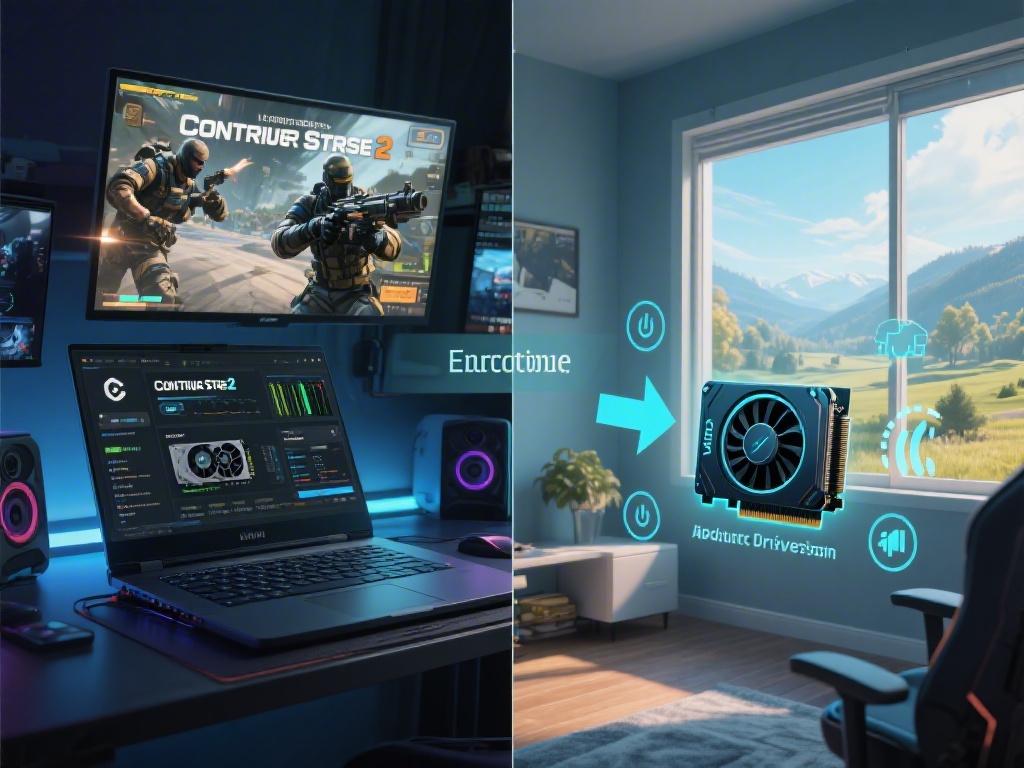
One of the most common reasons for poor performance in Counter Strike 2 is outdated graphics card drivers. Keeping your drivers up to date can significantly improve your game's performance. Visit your graphics card manufacturer's website and download the latest drivers for your specific model.
2. Lower Graphics Settings
High graphics settings can be visually stunning, but they can also cause your game to run slow. Try lowering your graphics settings, such as texture quality, shadows, and anti-aliasing, to see if this improves your game's performance. Remember, you can always turn these settings back up once your game is running smoothly.
3. Close Unnecessary Background Applications
Running too many applications in the background can consume valuable system resources and slow down your game. Before playing Counter Strike 2, close any unnecessary applications, such as web browsers, music players, or chat clients, to free up memory and CPU power.
4. Optimize Your Game Settings
Counter Strike 2 offers various game settings that can be adjusted to improve performance. Experiment with settings such as V-Sync, triple buffering, and the resolution to find the combination that works best for your system. Keep in mind that higher settings may not always result in better performance.
5. Use a Lightweight Operating System
If you're still experiencing performance issues, consider using a lightweight operating system like Windows 10 Home or Linux. These operating systems use fewer system resources, which can lead to better performance in games like Counter Strike 2.
Conclusion
Improving Counter Strike 2's performance is all about finding the right balance between graphics settings and system resources. By following these five easy tips, you should be able to make Counter Strike 2 run better and enjoy a more seamless gaming experience.