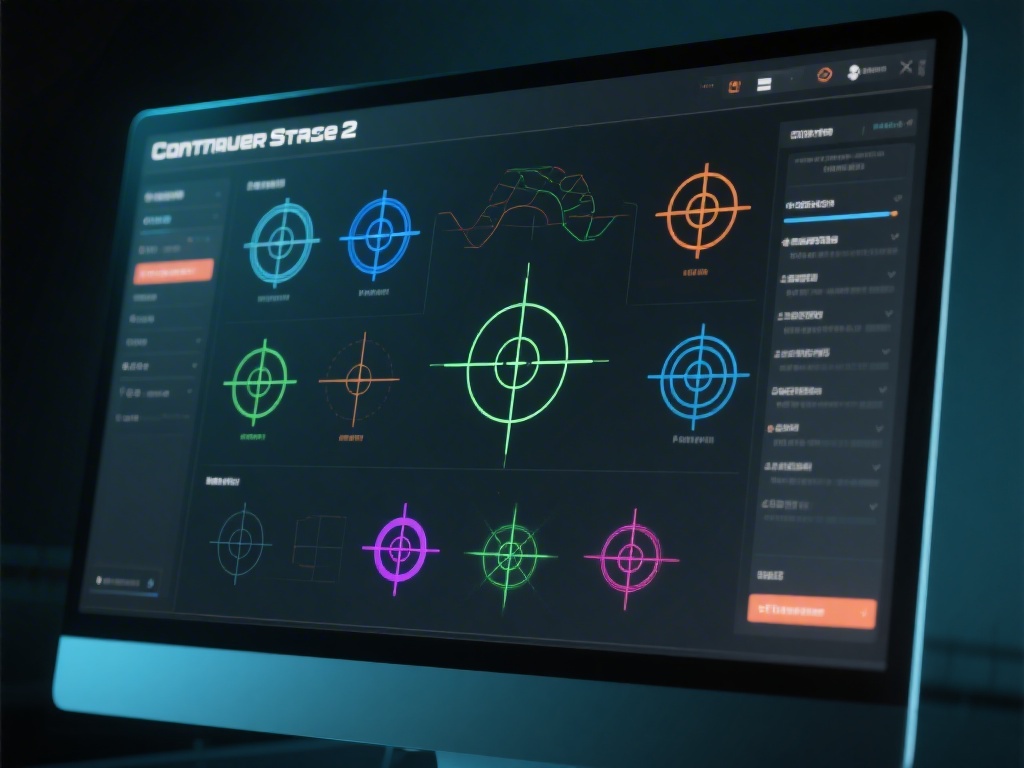
Introduction to Crosshair Customization in CS2
Are you looking to improve your aim in Counter Strike 2? One of the first things you can do is customize your crosshair. The right crosshair can make a significant difference in your accuracy and overall gameplay experience. In this guide, we'll walk you through the process of changing your crosshair in CS2, from basic settings to advanced customization options.
Accessing the Crosshair Settings
Before you can change your crosshair, you need to access the settings menu. Here's how:
Basic Crosshair Customization
Counter Strike 2 offers a variety of crosshair options right out of the box. Here's how to customize your crosshair with the basic settings:
Advanced Crosshair Customization
For those who want to take their crosshair customization to the next level, here are some advanced settings:
Conclusion
Customizing your crosshair in Counter Strike 2 can significantly improve your aim and overall gameplay experience. By following this guide, you should now be able to change your crosshair to your desired settings. Remember, the best crosshair for you might be different from what others use, so experiment and find what works best for you.