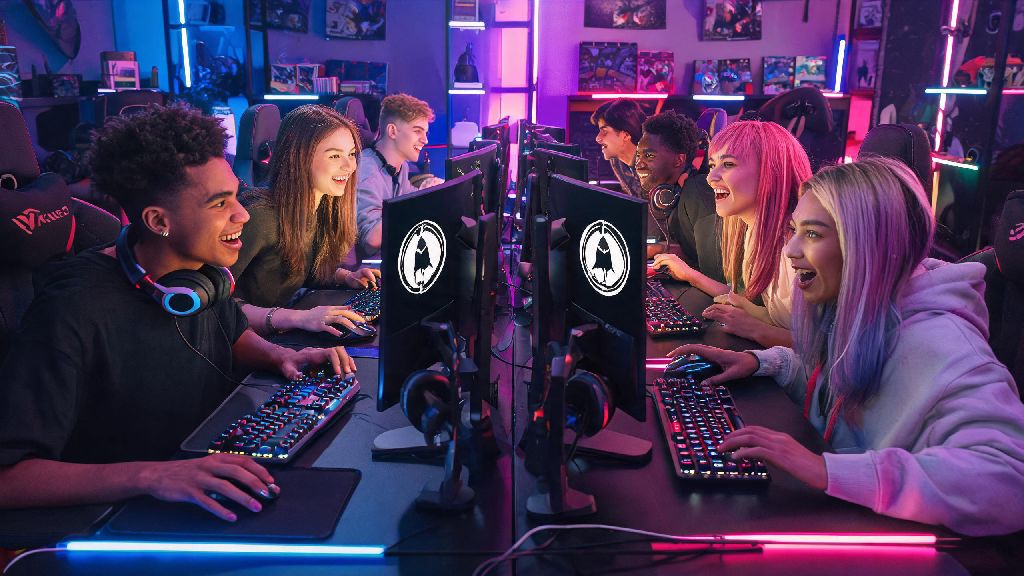
Jumping into the world of Counter Strike after a long break, or setting up the game for the first time? Many new players run into confusion when they first try to figure out how to activate Counter Strike 2, especially if they previously owned CS:GO or got the game through a third-party promotion. This guide breaks down every official method, common pitfalls to avoid, and fixes for errors that might pop up during the process, so you can jump into your first competitive match as fast as possible.
How to Activate Counter Strike 2 Through Steam: Official Method
If you already have a Steam account, this is the fastest and most secure way to get your copy of CS2 up and running. Unlike many paid AAA titles, CS2 is free to play, so you won't have to enter a payment method unless you want to purchase in-game skins or the premium battle pass. Follow these exact steps to avoid missteps:
You'll know the activation worked when you see CS2 listed as a permanent entry in your Steam library, with no expiration date or access restrictions. If you previously owned CS:GO on the same account, the game will have updated to CS2 automatically for free, so you don't need to repeat these steps unless you accidentally removed the game from your library.
Fixing Common CS2 Activation Errors
Even if you follow the official steps perfectly, you might run into errors that block you from accessing the game. Most of these issues are easy to fix with a few quick checks, and you won't need to contact Steam support for 90% of cases. First, make sure your Steam client is updated to the latest version, as out-of-date clients often fail to recognize free game additions. Always double-check that you are on the official Counter Strike 2 store page, not a fan-made page or listing for a third-party modification, as those won't give you access to official servers.
If you are activating a code that came with a hardware purchase or event giveaway, make sure you entered every character correctly, with no extra spaces or swapped letters. Codes are region-locked in most cases, so if you got a code from a different country than the one your Steam account is registered to, it won't work. You also can't activate a CS2 code on an account that already has the game added, so check your library first before entering any code.
Extra Perks You Get After Activating CS2
Once your copy of CS2 is fully activated, you get access to a lot more than just the base competitive and casual game modes. You can join community servers, create custom lobbies for you and your friends, earn in-game drops for playing matches, and participate in limited-time events that offer exclusive skins and rewards. Many players don't know that activated accounts also get access to shared lobby features that make playing with friends much easier, even if your group is larger than the standard 5-person team limit for competitive play.
If you regularly host lobbies for large groups of friends or community members, you can access extra lobby slots to let more people join your custom matches before teams are picked. Casual players who host small community scrims often use Share Slots to expand their lobby capacity without paying for expensive third-party server hosting, since it integrates directly with your existing Steam CS2 account with no extra setup required.
You also get access to the official CS2 workshop, where you can download custom maps, weapon skins, and game modes created by the community. Many of these custom modes are perfect for warming up before competitive matches, or for casual play sessions when you want to take a break from the standard defusal and hostage rescue maps. Make sure you only download workshop content from trusted creators, to avoid installing malicious files that could compromise your Steam account security.
What to Do After Activating CS2 for the First Time
Now that your game is activated and installed, there are a few quick steps you should take before jumping into your first match to make sure you have the best possible experience. First, adjust your in-game settings to match your playstyle: tweak your mouse sensitivity, crosshair design, and graphics settings to get consistent frame rates, even in crowded firefights. You can use the built-in practice range to test out different settings until you find what feels most comfortable for you.
If you're new to Counter Strike, spend a few hours playing casual matches first to learn the maps, weapon recoil patterns, and game rules before you try competitive mode. Competitive matches have strict leave penalties, so you don't want to get banned for leaving a match early because you weren't prepared for the time commitment. Link your phone number to your Steam account as soon as possible, as this is required to access competitive mode and ranked play, and it also adds an extra layer of security to your account.
You can also link your CS2 account to third-party stat trackers to monitor your performance over time, see where you need to improve, and compare your stats to friends and pro players. Just make sure you only use trusted services that don't ask for your Steam password, to keep your account safe. Never share your Steam login details with anyone, even if they claim to offer free skins or in-game rewards, as this is the most common way players get their accounts stolen.
At the end of the day, learning how to activate Counter Strike 2 is a simple process that only takes a few minutes when you follow the official steps. Take the time to double-check for common errors, set up your account security properly, and explore all the extra features you get access to once activation is complete, and you'll be ready to jump into matches and start climbing the ranks in no time. If you do run into a rare issue that you can't fix on your own, you can reach out to Steam support for help, with proof of ownership if you used a third-party code to activate the game.